 Kivora
Your playlists, beautifully on the big screen.
Live TV with a full guide, movies and series in a player built for the remote. Add your playlist with your phone in a minute.
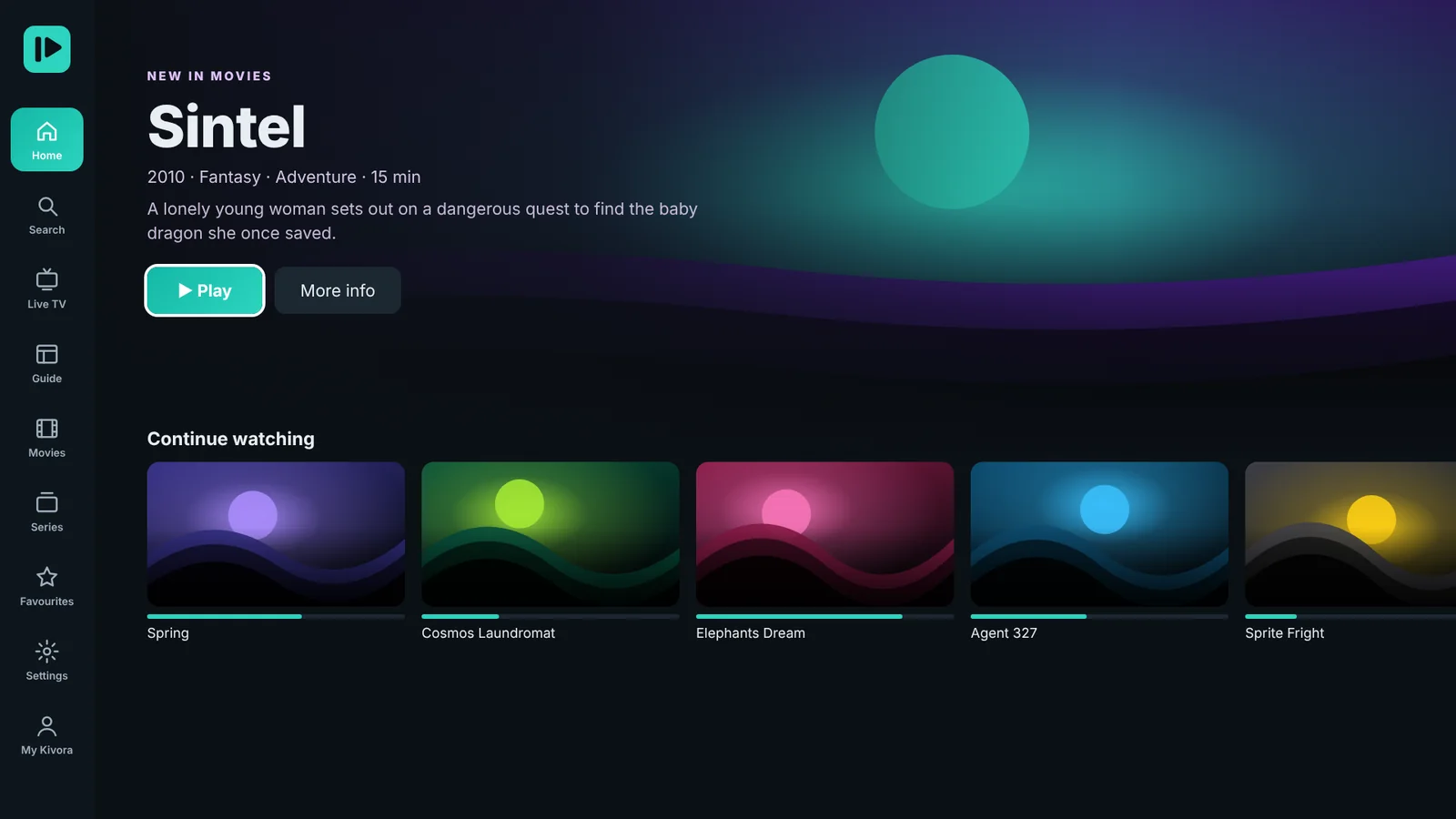
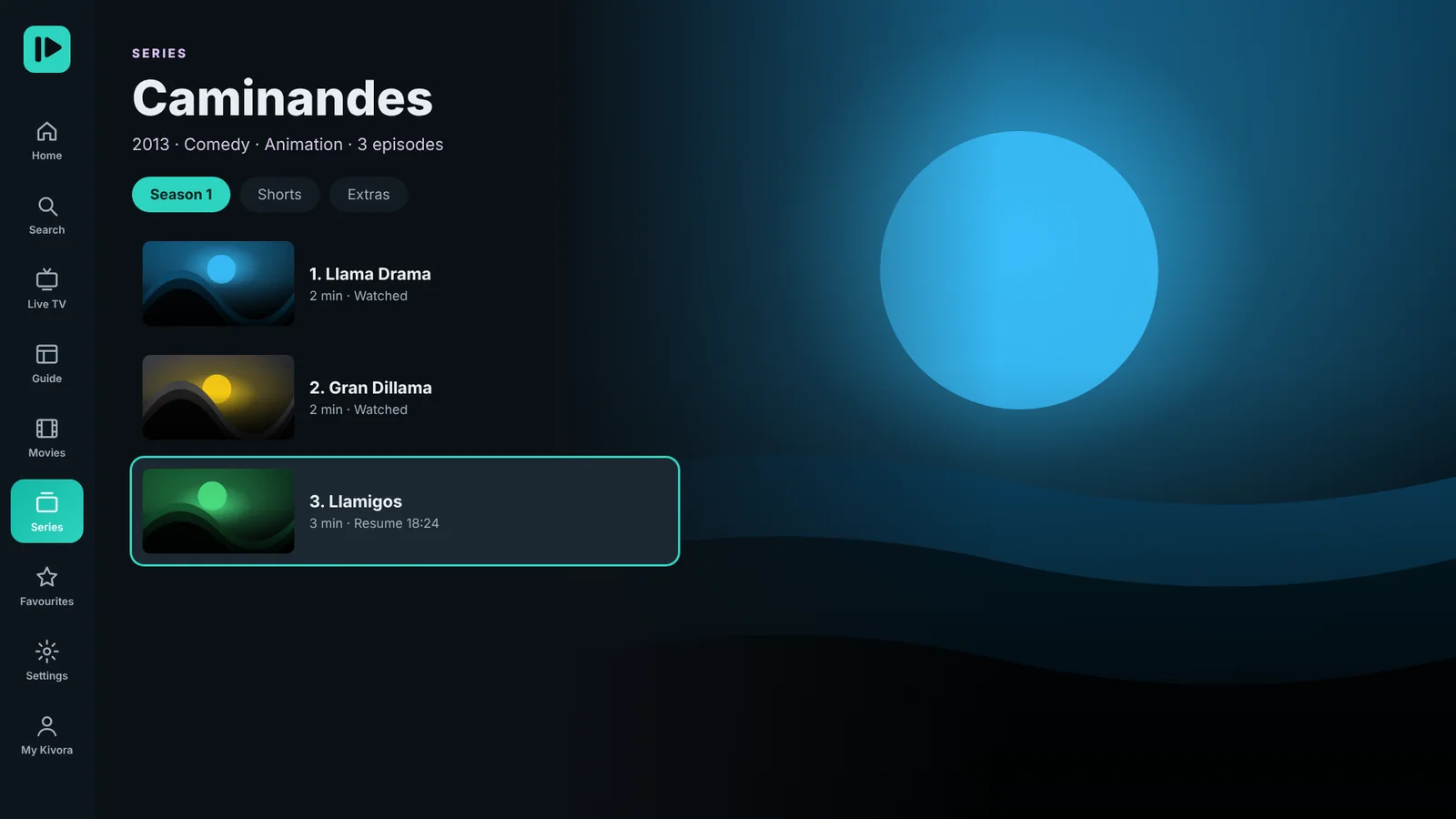

Works on
- Fire TV
- Android TV
- Google TV
- NVIDIA SHIELD
- Android boxes
- Phones & tablets
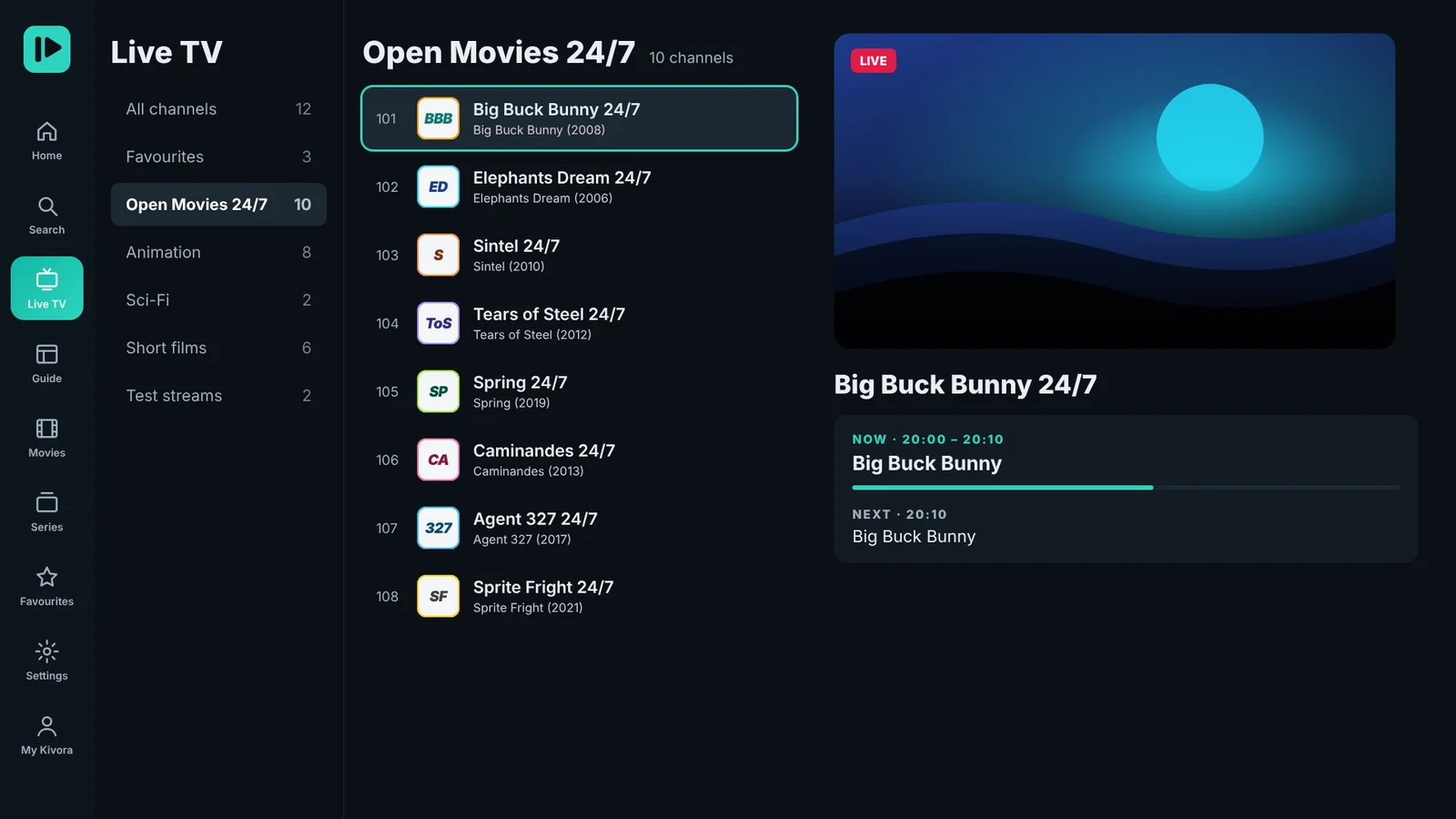
Every channel, with a guide that's a pleasure to use.
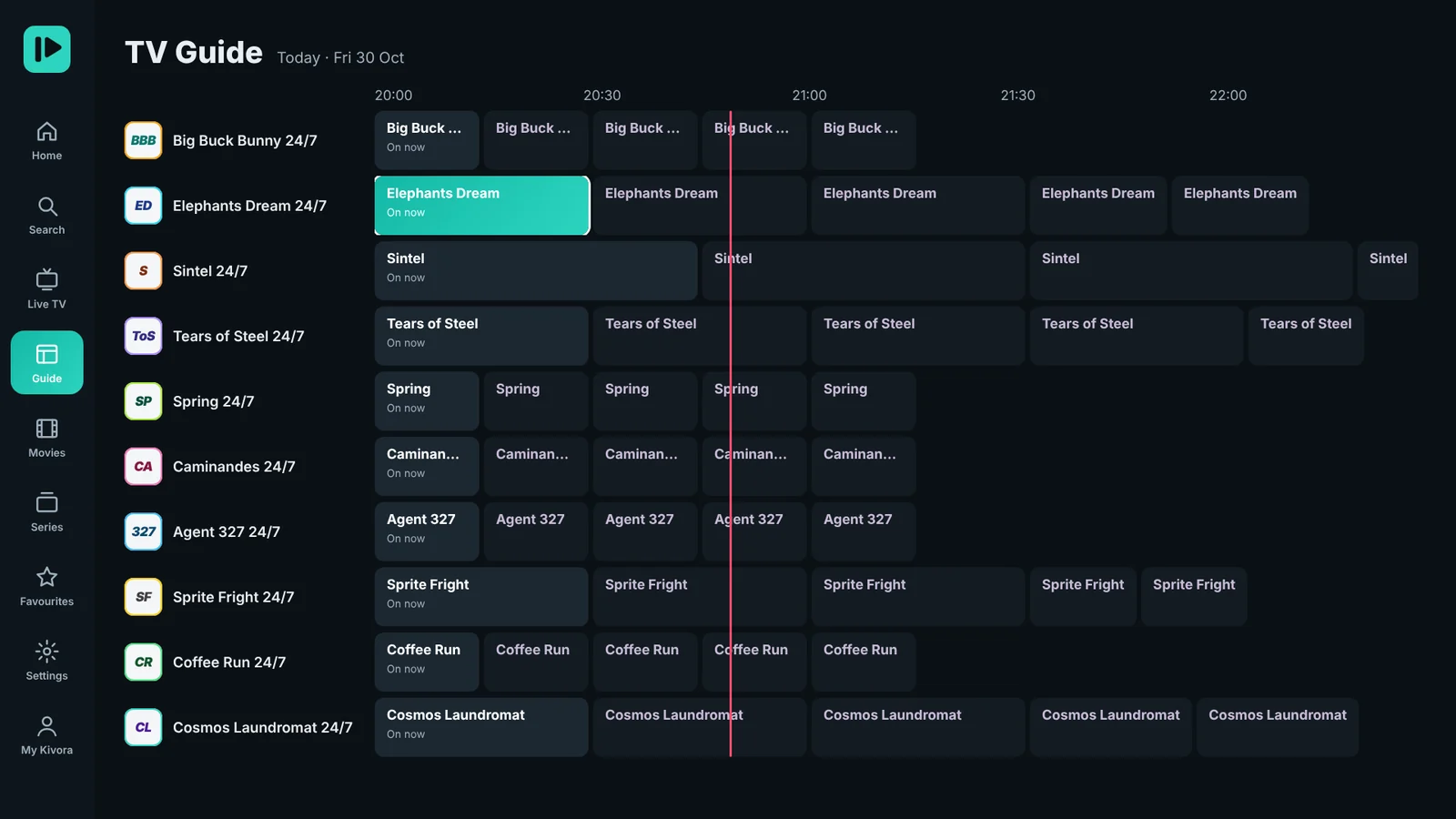
Browse by group, see what's on now and next, and jump through the full TV guide without waiting.
- Now & next on every channel
- Full EPG timeline with details
- Catch-up when your playlist has it
- Switch channels with up and down
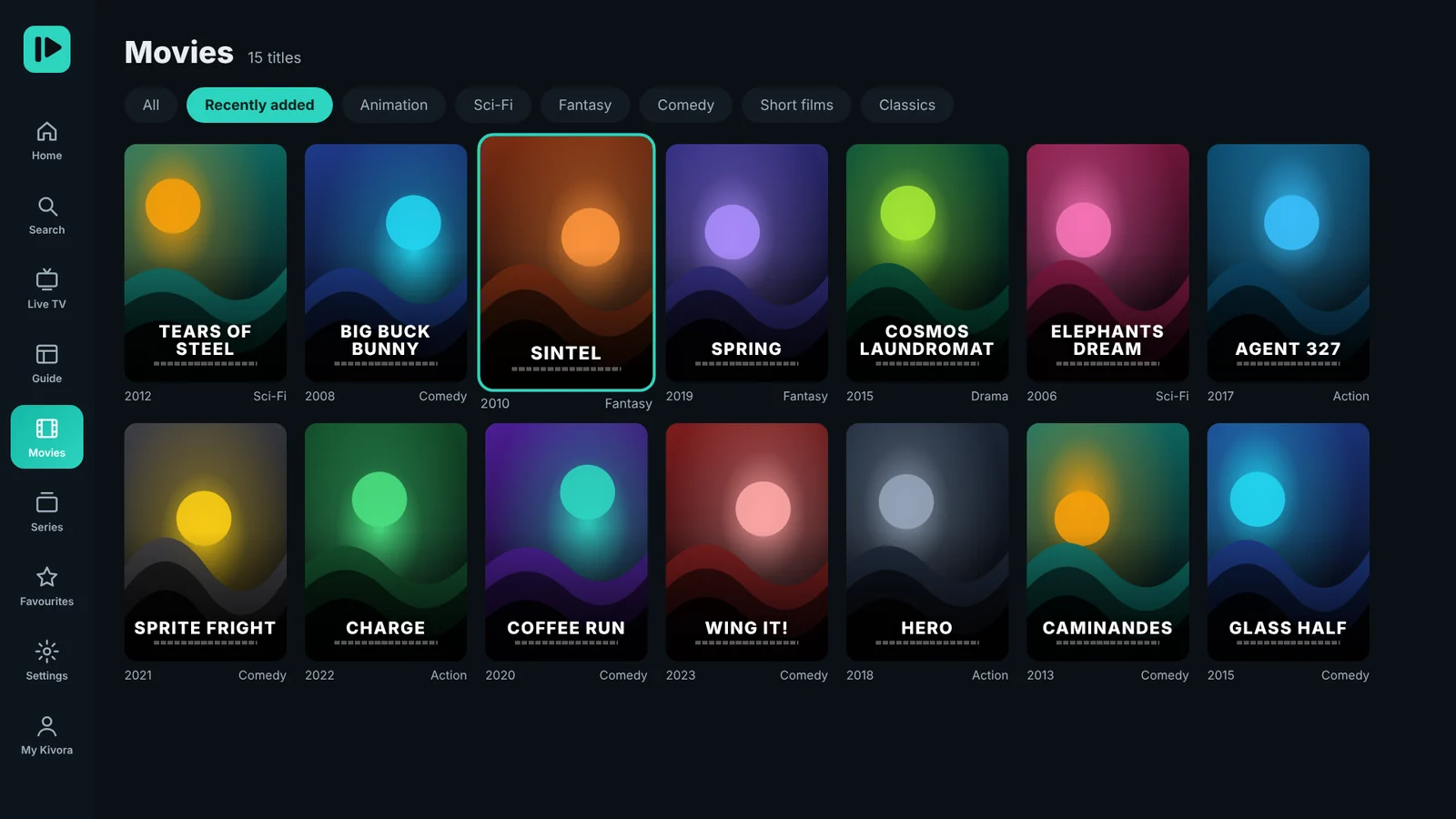
A cinema-style library for your playlist.
Posters, details, seasons and episodes, laid out the way you'd expect from a premium app.
- Resume where you stopped
- Auto-play the next episode
- Favourites for movies and series
- Subtitles and audio tracks
No typing long links with the remote.
Scan the QR code on your TV, paste your M3U link or Xtream login on your phone, and watch it appear on the TV.
- M3U, M3U8 and Xtream Codes
- Up to 20 playlists per TV
- Passwords stored encrypted
- Manage playlists any time at 4kflexcenter.info/manage
Built for how you really watch.
All the features of a top IPTV player, without the clutter.
Live TV
Channel groups, numbers, now & next, and quick switching with up and down.
Full TV guide
A clean EPG timeline with programme details for every channel.
Catch-up
Watch earlier programmes when your playlist supports it.
Favourites
Keep channels, movies and series you love one click away.
Parental control
A PIN locks adult groups and any group you choose.
Hide & reorder groups
Show only what you watch, in the order you like.
Resume & next episode
Pick up where you stopped. Series play on to the next episode.
Search everything
One search for live channels, movies and series.
Up to 20 playlists
M3U, M3U8 and Xtream Codes. Switch in a second.
Subtitles & audio
Change subtitle and audio tracks while you watch.
Smooth playback
Up to 4K, buffer control and automatic reconnect.
7 colour themes
Make Kivora yours in Settings → Appearance.
Make it yours.
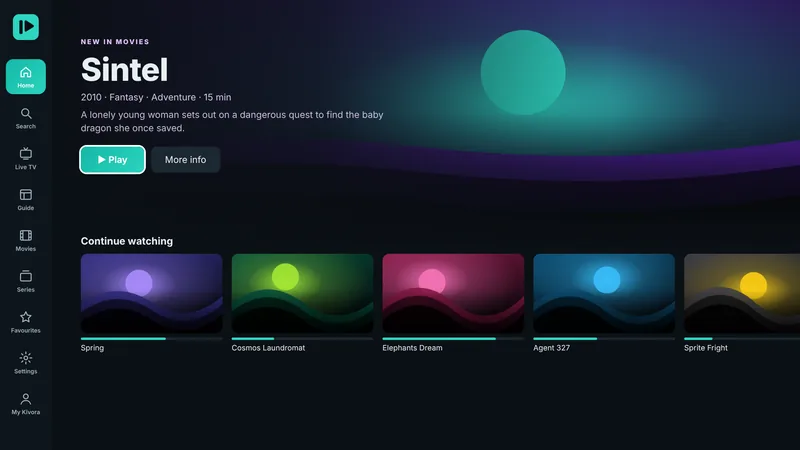
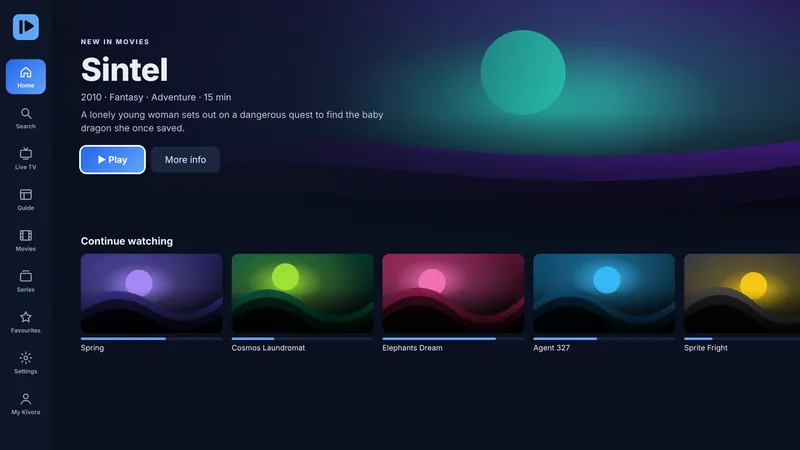
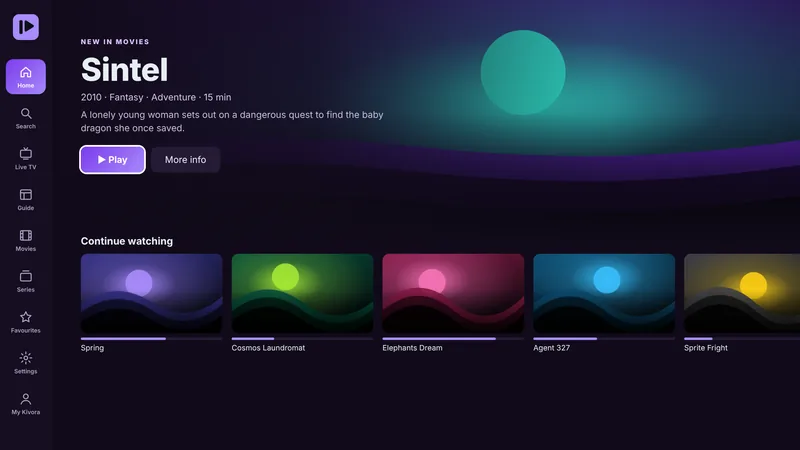
Seven colour themes, from calm teal to pure black for OLED screens.

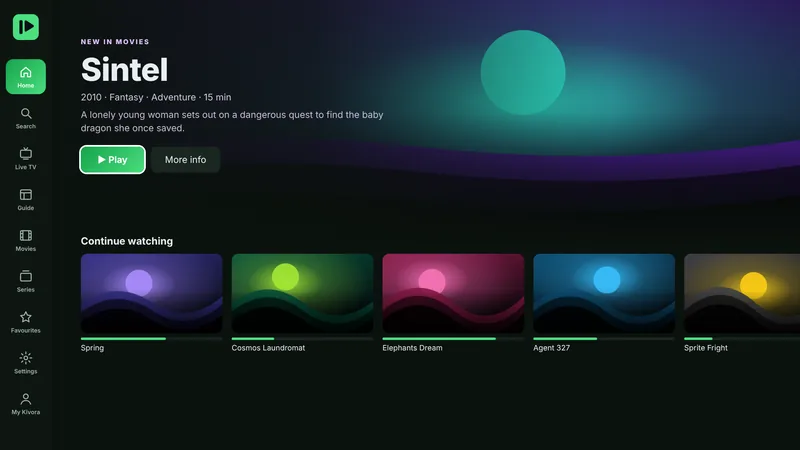

On your TV in under a minute.
Easiest on Fire TV: search Kivora in the Amazon Appstore, or open it on Amazon and send it to your device. Or use the Downloader code:
Get Downloader
On Fire TV, search for Downloader in the Appstore and install it. It's free.
Enter the code
Type it in Downloader's Home box and press Go.
Install & open
Press Install, then Open. Scan the QR code to add your playlist.
Android TV, Google TV or box? Download the APK · 3.1 MB · updated 1 Nov 2026
Try everything free. Keep it for less than a coffee.
Free trial
Every feature, no card.
- All features unlocked
- Add your playlists
- No account needed
1 year
Renews yearly.
- Everything in Kivora
- All updates included
- Cancel any time
Lifetime
Pay once, keep it.
- Everything in Kivora
- All future updates
- No renewals, ever
Pay in the app through Amazon, or by card, PayPal or crypto for the APK version. Sell Kivora to your customers? See reseller packs.
Questions, answered.
Does Kivora include channels?
No. Kivora is a media player only. You add your own M3U link or Xtream Codes login from a provider you are allowed to use. Kivora does not sell, provide or recommend any content.
Which devices does it work on?
Amazon Fire TV and Fire TV Stick, Android TV and Google TV, NVIDIA SHIELD, Android TV boxes, and Android phones and tablets.
How do I add my playlist?
Open Kivora and scan the QR code on your TV with your phone. Enter your M3U link or Xtream login on the page that opens, and it appears on your TV by itself. You can also type it with the remote.
Is the free trial really free?
Yes. Every feature is free for 7 days, no card needed. After that, keep Kivora with 1 year ($12.99) or Lifetime ($29.99).
Can I use one purchase on several TVs?
In the Amazon version, one purchase works on every Fire TV with the same Amazon account. In the APK version, each TV is activated on its own.
Is my playlist safe?
Playlist passwords are stored encrypted. No account is needed, and we never share your details.
Ready when you are.
Free for 7 days. No account. Your playlists, on every TV in the house.